MACHINE-FX / REV.02
Coming Soon
FIG. 01 — LIVE PLC → 3D MODEL PIPELINE

Automation engineering tools for Blender 3D.

Machine-FX pairs a live OPC UA client with a set of curated industrial model libraries for Blender — vision, motion, kinematics, transport, and process — Empowering automation professionals with digital-twin simulation and cinematic-quality 3D animation tools that elevate visualization, accelerate understanding, and can transform technical content into compelling marketing.

Machine-FX MFX-01 OPC UA Client Demo for Blender
§01

Key benefits & tools

MFX HIGHLIGHTS — 10 SLIDES
Machine-FX overview
01 / OVERVIEW

Industrial Automation meets Blender

A live OPC UA client and five curated industrial libraries turn Blender into a working digital twin for machine design, proof of concept, simulation, and testing

  • Digital twin
  • Real-time data
  • Blender 4.0+
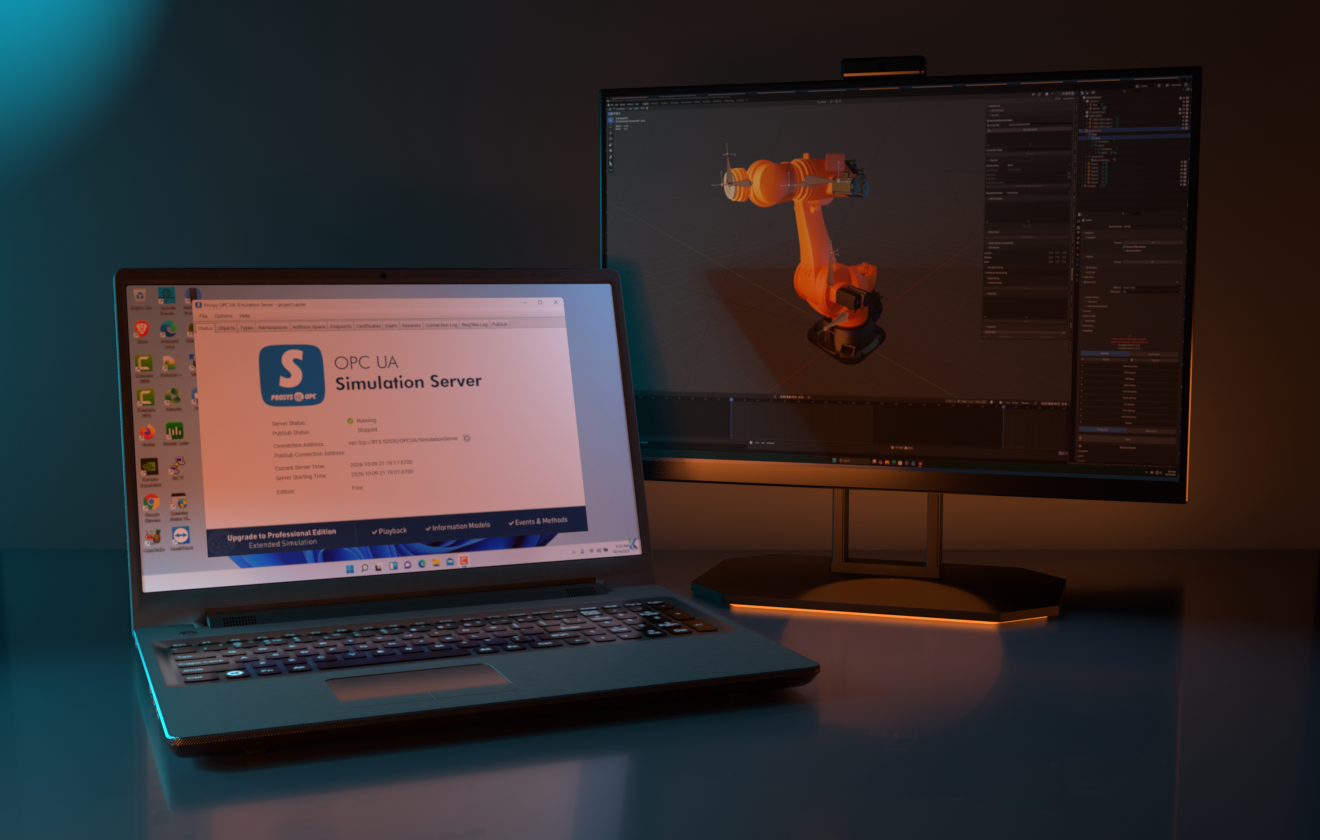
Diagram: server nodes in a tree linked to a moving slide in the 3D scene
02 / CONNECTIVITY

OPC UA client, no middleware

Connect to any OPC UA–compliant PLC or SCADA server. Browse its nodes and link them straight to 3D objects and parameters for live animation, simulation, and data visualization.

  • Node browser
  • Secure Connection
  • Link to Any Blender Data
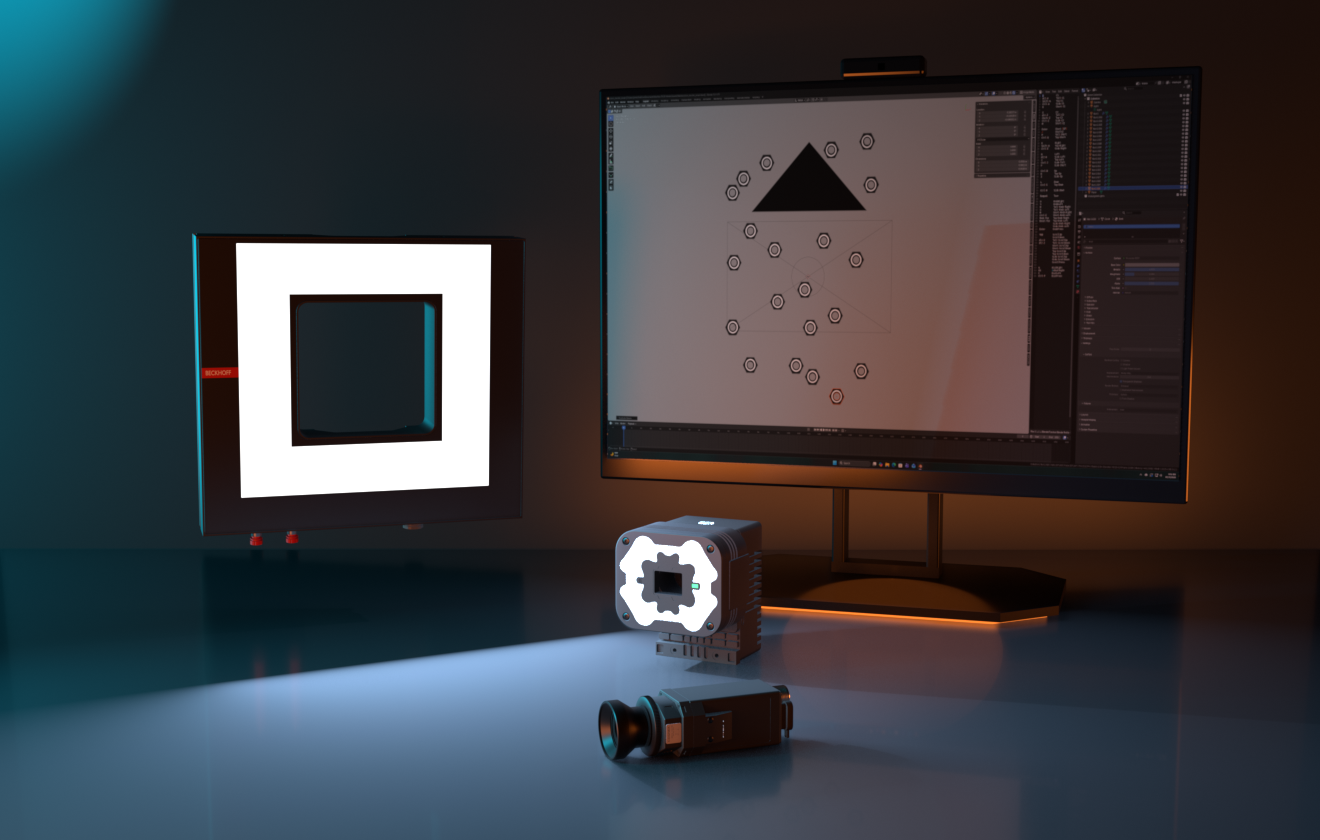
Diagram: a ring-lit machine vision camera imaging a part and producing a test image
03 / VISION LIBRARY

Prove the vision system before you buy it

Industry-standard machine vision lights and cameras generate photo-quality test images, so you can prototype and validate vision software long before hardware arrives.

  • Cameras
  • Lighting
  • Photo-real test images
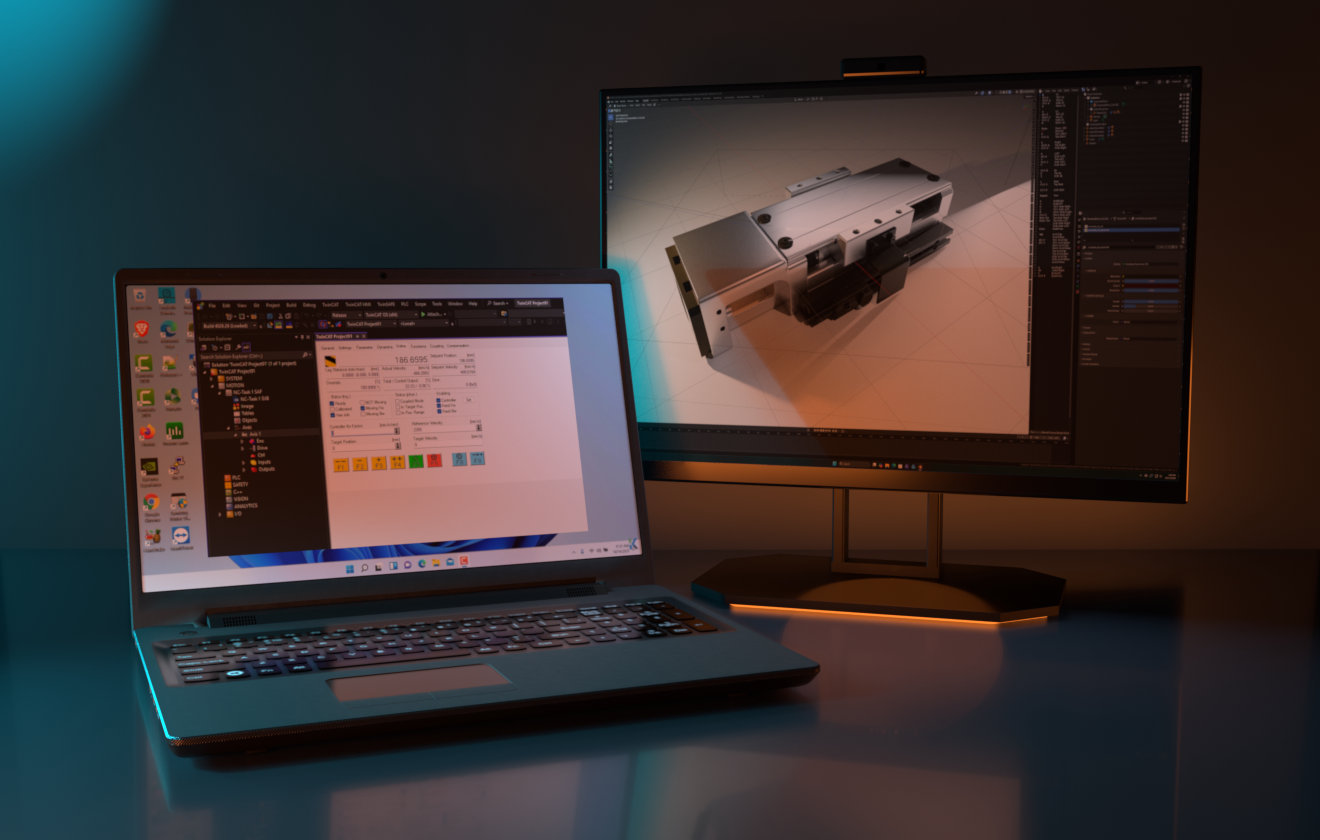
Laptop running TwinCAT motion control beside a monitor showing a linear slide model in Blender
04 / MOTION LIBRARY

Size it before you build it

Motors, gearboxes, linear slides, and ballscrews with built-in mass and heat algorithms — size load inertia and assess wear-and-tear before a motion system exists.

  • Load-inertia sizing
  • Heat model
  • Wear analysis
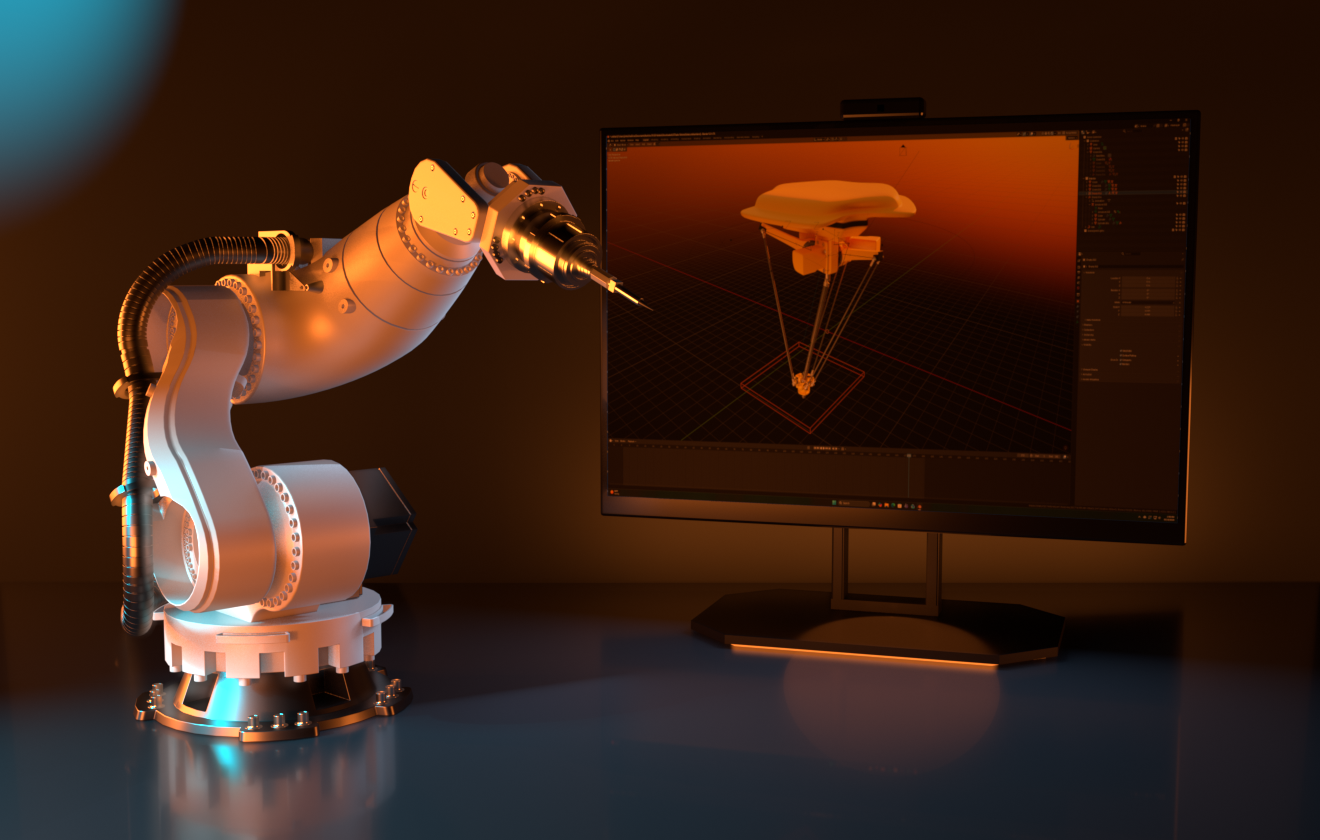
Six-axis industrial robot arm beside a monitor showing a delta robot model in Blender
05 / KINEMATICS LIBRARY

Multi-axis robots, ready to drive

An industrial robot library with multi-axis control and end effectors. Drive it from your controller's kinematics over OPC UA — or let Blender's own physics do the work.

  • Multi-axis
  • End effectors
  • OPC UA or standalone
v = 0.50 m/s BULLET PHYSICS · LINEAR & PLANAR TRANSPORT
06 / TRANSPORT LIBRARY

Conveyors that obey real physics

Conveyors, linear transport, and planar motion systems built on the Bullet physics engine. Link them externally through OPC UA, or simulate them entirely on their own.

  • Conveyors
  • Planar motion
  • Bullet physics
LT TANKVALVEPUMP
07 / PROCESS LIBRARY

A full process-control environment

Tanks, vessels, valves, pumps, piping, agitators, and instrumentation — drop them into a scene and drive the whole plant live when paired with the OPC UA client.

  • Tanks & vessels
  • Valves & pumps
  • Instrumentation
010203 DESIGNSIMULATECOMMISSION CONCEPTON-SITE
08 / WORKFLOW

From proof of concept to commissioning

Model motion, vision, and process behavior together before you commit to a build. Later, connect to the real controller and validate your control logic against a physically grounded model on-site.

  • Proof of concept
  • Control validation
  • Less hardware risk
REC · 4K
09 / VISUALIZATION

Cinematic-quality animation, built in

Because it lives in Blender, your machine can be rendered as polished, photo-real animation — turning dense technical content into compelling sales, training, and marketing video.

  • Photo-real render
  • Sales & marketing
  • Training content
OPC UA CLIENT VIS MOT KIN TRN PRC COMPLETE PACKAGE · SAVE 10%
10 / PACKAGE

One client, five libraries, your choice

Buy only what you need at $125 each, or take the complete package for $675. Single-seat licenses with free updates and support, on Windows, Linux, and macOS.

  • Windows / Linux / macOS
  • Free updates
  • Free support
§02

Built on Blender

WHAT IS BLENDER?

The free, open source 3D suite

Blender is the free and open source 3D creation suite. It supports the entirety of the 3D pipeline—modeling, rigging, animation, simulation, rendering, compositing and motion tracking, even video editing and game asset creation. Advanced users employ Blender's API for Python scripting to customize the application and write specialized tools [Add-ons]; examples from many Blender-based projects are available in the showcase. — text taken from the Blender Foundation website, brackets added.

Machine-FX logoWHAT IS MACHINE-FX?

A live connector, and model libraries

Machine-FX pairs a live OPC UA client with a set of curated industrial model libraries — vision, motion, kinematics, transport, and process — so real automation data can drive digital-twin engineering solutions directly inside Blender.

§03

How the connection works

01 / SOURCE

Your PLC

Machine-FX talks to any OPC UA–compliant PLC or SCADA system on your network — no custom firmware or middleware required.

→
02 / BRIDGE

OPC UA client

Subscribed tags stream into Blender's scene graph in real time, mapped to whichever objects and parameters you define.

→
03 / MODEL

3D + math model

Live values drive kinematics, deformation, and derived calculations — your digital twin moves the way the real machine does.

§04

One connector, five model libraries

CONNECTIVITY

OPC UA Client

Connects to any OPC UA server, letting you browse and link server nodes directly to 3D model objects for live animation, simulation, and data visualization.

LIBRARY

Vision Library

Industry-standard machine vision lights and cameras generate photo-quality test images — prototype and validate vision software before buying hardware.

LIBRARY

Motion Library

A library of motors, gearboxes, linear slides, and ballscrews, with mass and heat algorithms for load-inertia sizing and wear-and-tear analysis.

LIBRARY

Kinematics Library

An industrial robot library with multi-axis control and end effectors, drivable by external kinematics via OPC UA or Blender's own physics.

LIBRARY

Transport Library

Conveyors, linear transport, and planar motion systems built on the Bullet physics engine — link externally via OPC UA or simulate standalone.

LIBRARY

Process Library

Tanks, vessels, valves, pumps, piping, agitators, and instrumentation — a full process control environment, live-driven when paired with OPC UA.

§05

Where it's used

Machine design & proof of concept

Model motion, vision, and process behavior together in Blender before committing to hardware or a build.

Vision system prototyping

Test lighting and camera configurations in simulation with the Vision Library, eliminating the need for costly machine vision hardware during development.

Load and wear analysis

Use the Motion Library's mass and heat algorithms to size load inertia and assess operational wear-and-tear before a motion system is built.

Live commissioning & validation

Connect any library to a real OPC UA server via the OPC UA Client to validate control logic against a physically-grounded model on-site.

§06

Specifications

Blender version4.0 and later
ProtocolOPC UA (client)
PlatformsWindows, Linux, macOS
SecurityNone / Basic256Sha256, per server config
LicensingSingle-seat per library or client, free updates & support
DistributionBlender Market — coming soon
LibrariesOPC UA Client, Vision, Motion, Kinematics, Transport, and Process — sold individually or bundled
§07

Pricing

BUY INDIVIDUALLY
$125 each
Get only what you need — the OPC UA Client and each model library, sold separately.
  • Single-seat license
  • Free updates
  • Free support
Download on Blender Market
CONTACT
Get in touch
Questions about licensing, libraries, or Blender Market availability.
  • support@machine-fx.com
  • Coming soon on Blender Market
Email support

Coming soon on Blender Market.

Machine-FX is launching soon. Take the tour, watch the OPC UA demo, and reach out with questions before launch.

Contact us